- Nano Banana performs best with natural, descriptive prompts that convey intent, not keyword-heavy “tag soup.”
- Strong prompts are built from five controllable elements: subject, style, setting, action, and composition.
- Treat prompting like briefing a photographer: describe the scene, mood, and camera framing to get consistent, high-quality results.
- When an output is close, use conversational edits to change specific details instead of restarting from scratch.
- For reliable text rendering, include the exact wording in double quotation marks and keep phrases short.
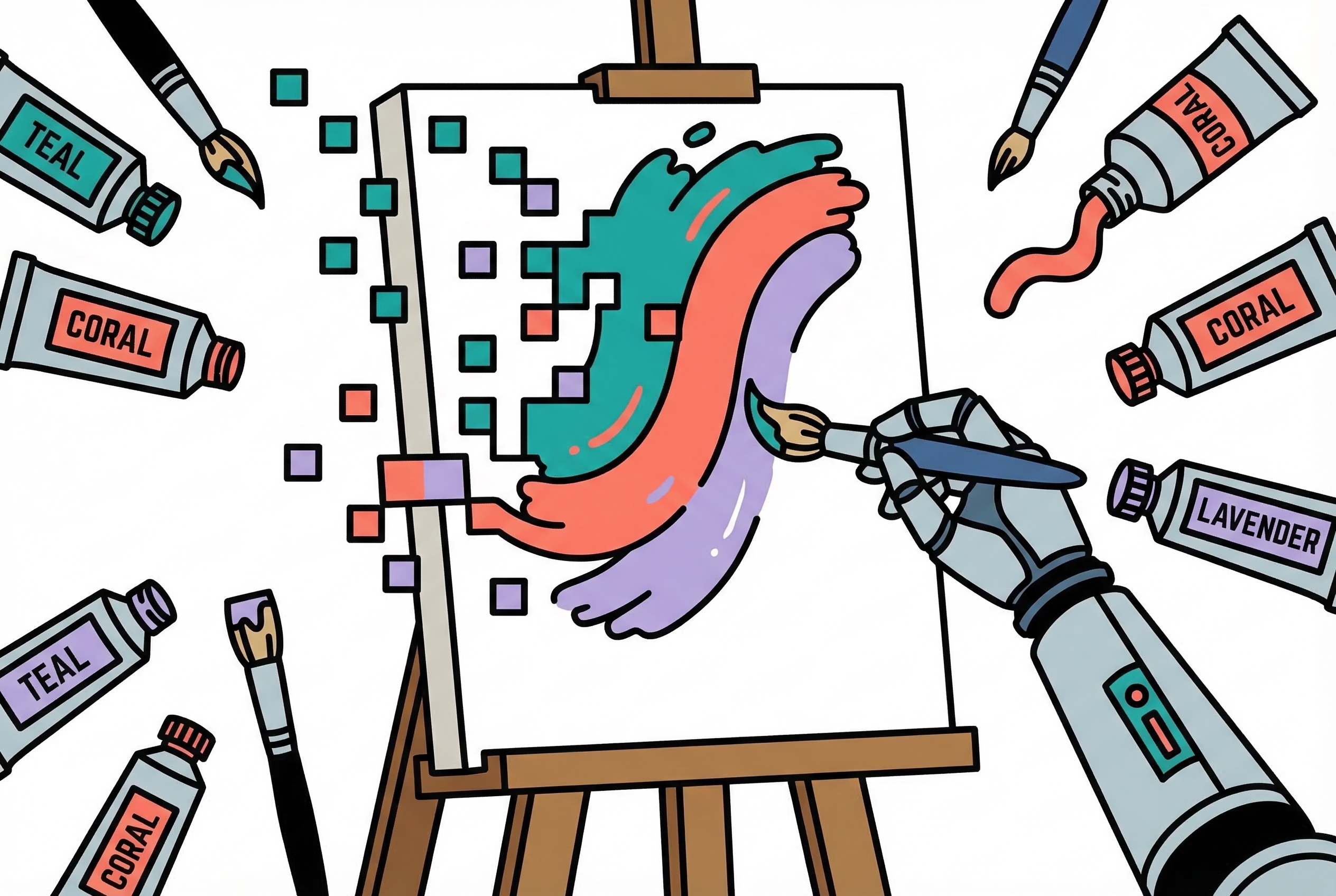
Google's Nano Banana models have quietly become the most capable AI image generators available. They render legible text, understand spatial relationships, maintain character consistency across images, and generate at resolutions up to 4K. But most people get mediocre results because they're prompting these models like it's 2023.
The gap between what Nano Banana can do and what you're getting out of it comes down to one thing: how you write your prompts.
Stop Writing Tag Soup
Every previous image generation model trained us to write prompts like keyword lists: cat, park, 4k, realistic, trending on artstation, cinematic lighting. Nano Banana doesn't work like that. It's a language model that happens to output images. It understands sentences, context, and intent the same way it understands a text conversation.
Bad prompt:
Cool car, neon, city, night, 8k, cinematic, rain
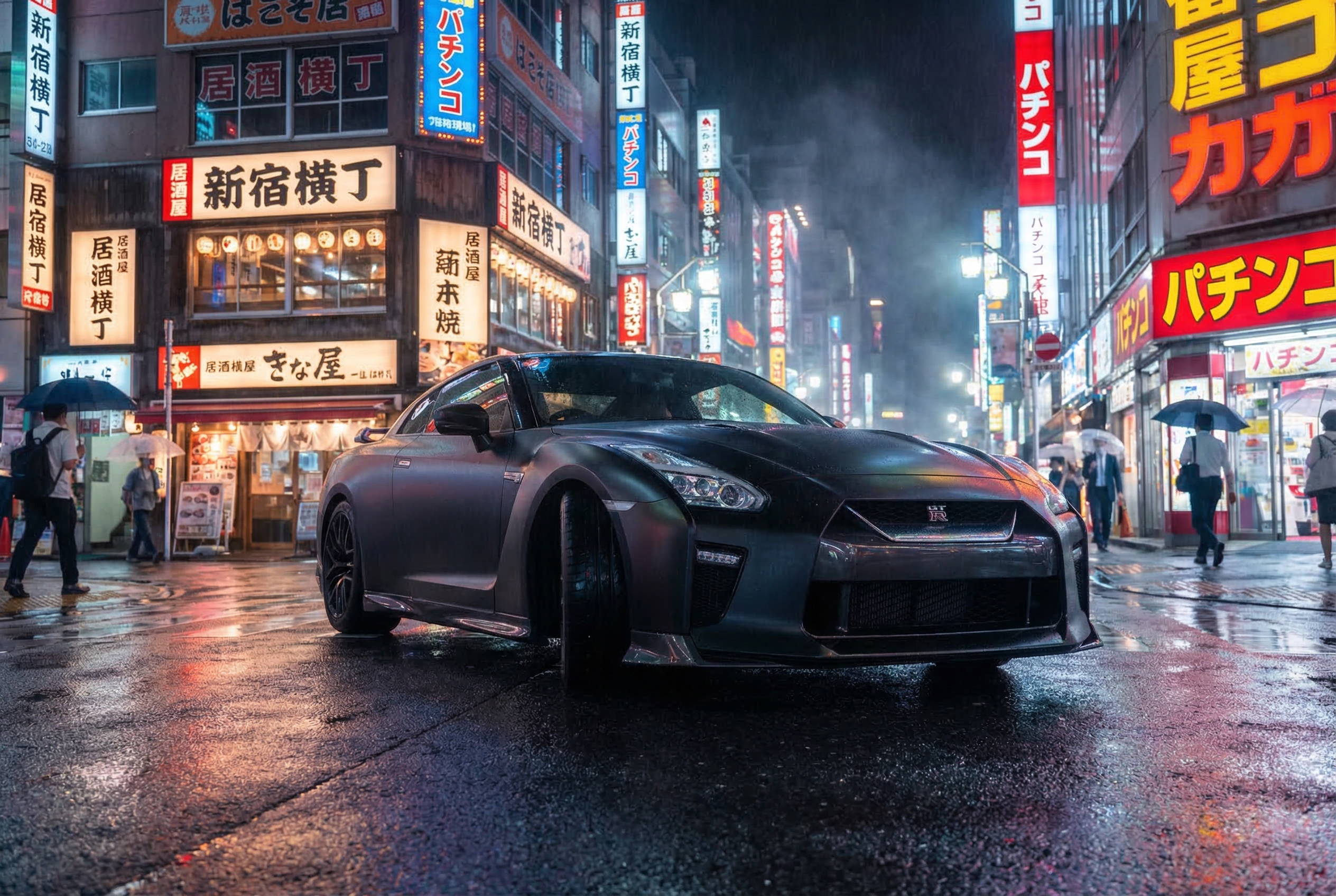
Good prompt (produced the image above):
A matte black sports car parked on a rain-slicked Tokyo street at night,
neon signs from izakayas and pachinko parlors reflecting off the wet asphalt.
Shot from a low angle, almost ground level, emphasizing the car's aggressive
stance. The rain has just stopped and the air has that humid glow.
Photorealistic, cinematic composition.
The second prompt tells the model what you actually want. It describes a scene, not a checklist. Think of it as briefing a photographer, not tagging a stock photo.
The Five Building Blocks
Every effective prompt combines five elements. You don't need all five every time, but knowing them gives you precise control.
Subject. Who or what is in the image. Be specific. Not "a robot" but "a stoic robot barista with glowing blue optics, wearing a canvas apron stained with espresso, its brushed steel frame reflecting warm cafe light."
Style. The visual approach, named explicitly: photorealistic, watercolor, 3D render, editorial illustration, pixel art. The model defaults to photorealistic if you don't specify. If you want illustration, say so clearly.
Setting. Where the scene takes place. Environment, time of day, weather, atmosphere. "A cluttered watchmaker's workshop in 1920s Prague, amber light filtering through dusty windows."
Action. What's happening. Static scenes work, but action creates energy. "The robot barista is pouring a latte, tilting the steel pitcher with mechanical precision."
Composition. How the image is framed. Camera angle, distance, perspective. "Shot from behind the counter looking out at the morning rush."
Three Rules That Apply Every Time
Edit, don't re-roll. When the output is close but not right, don't start over. Tell the model what to change: "make the lighting warmer," "remove the person in the background," "change the text to say 'Open Daily'." Conversational editing is one of Nano Banana's strongest features.
Provide context. Tell the model what the image is for. "For a Brazilian high-end gourmet cookbook" produces a very different food photograph than "for a college cafeteria menu." Context shapes aesthetic decisions the model makes automatically.
Iterate incrementally. Start simple, then add complexity. Get the basic composition right first, then refine lighting, then adjust details. A three-sentence prompt is easier to debug than a fifteen-sentence one.
Readable Text in Images
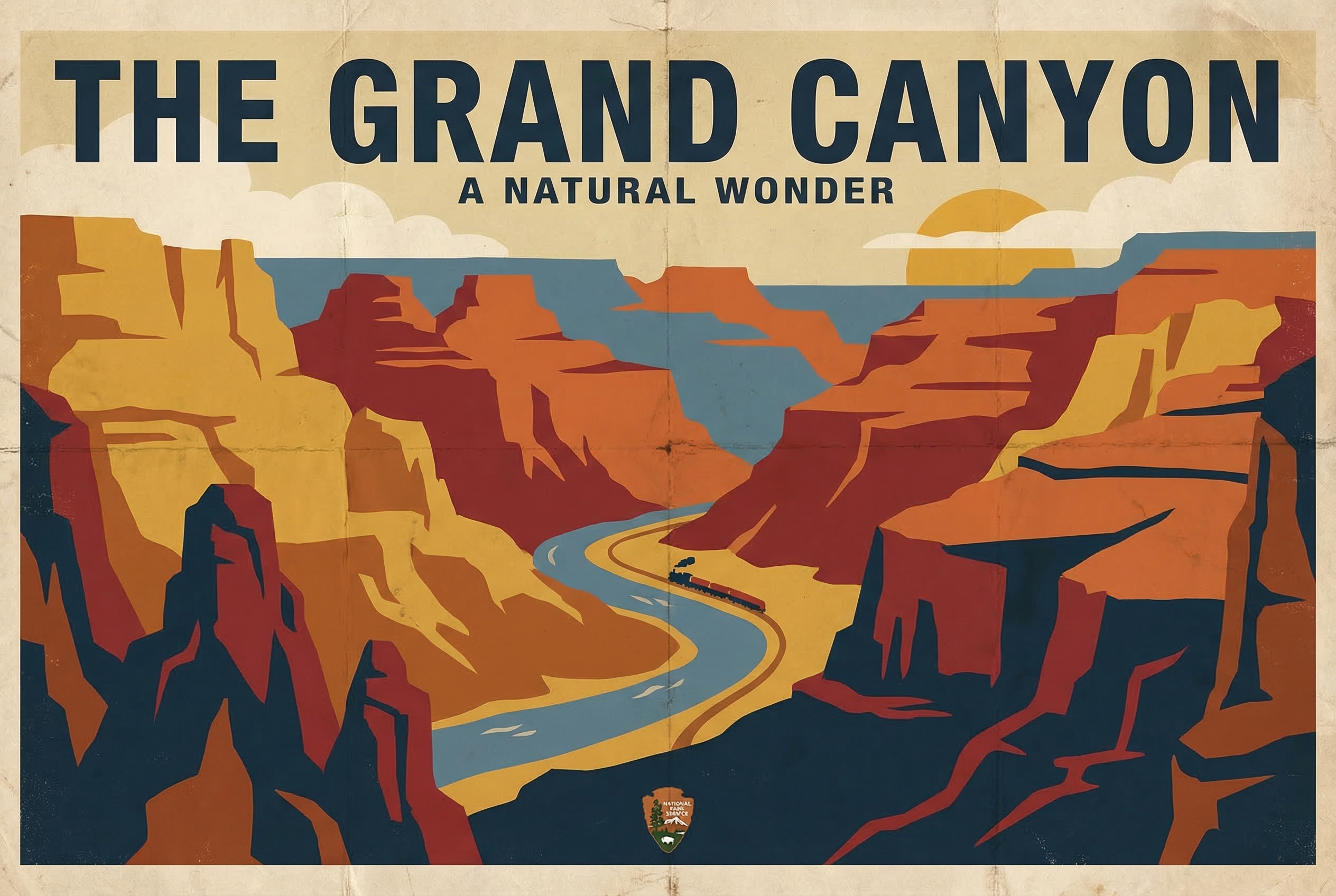
Nano Banana is the first image generation model that reliably renders readable text. This makes posters, infographics, product mockups, and diagrams all practical.
The key: put the exact text you want in double quotation marks. The image above was generated with this prompt:
A vintage-style travel poster for "The Grand Canyon" in the style of 1930s
National Park Service posters. Bold sans-serif title at the top reading
"THE GRAND CANYON" with a subtitle "A Natural Wonder" below. Warm earth tones,
stylized rock formations in flat color blocks. Weathered paper texture.
Short phrases work best, one to five words is the sweet spot. Specify the font style ("bold sans-serif," "elegant serif," "neon cursive signage") and position ("title at the top," "caption at the bottom").
Photorealistic Output
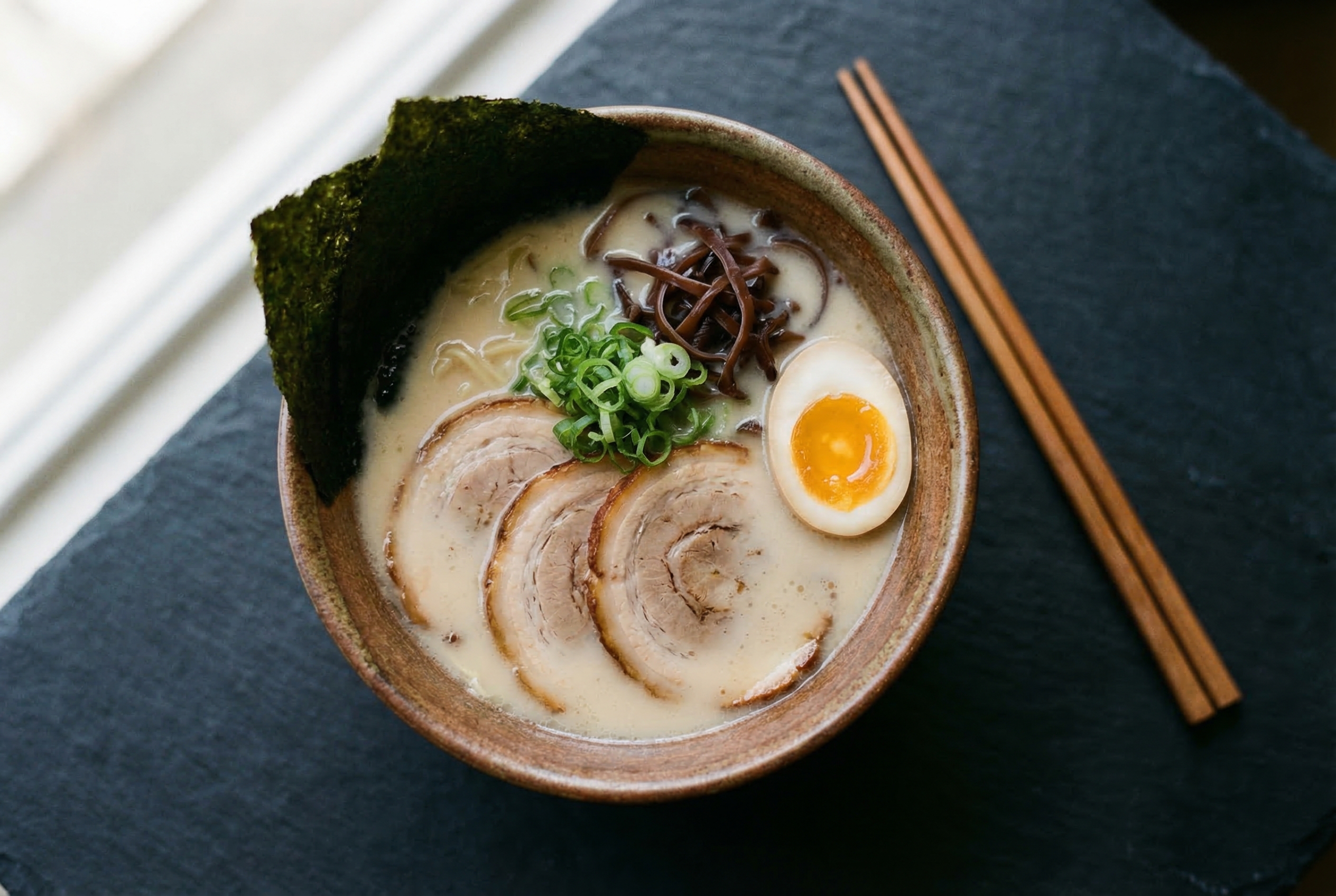
When you want images that look like they came from a camera, think like a photographer. Specify the lens, the lighting, and the moment. The ramen above was generated with this prompt:
A ceramic bowl of ramen photographed from directly above on a dark slate
surface. Soft natural light from the left. Rich tonkotsu broth, perfectly
placed chashu pork, a soft-boiled egg cut in half showing the jammy yolk.
Shot with a 50mm lens at f/2.8, shallow depth of field blurring the
chopsticks resting beside the bowl. Food photography for a high-end
Japanese restaurant menu.
Name real camera settings: "85mm portrait lens," "f/1.4 bokeh," "35mm street photography." Add physical imperfections for realism: "condensation on the glass," "flour dust on the countertop," "a slightly wrinkled napkin."
Editorial Illustration
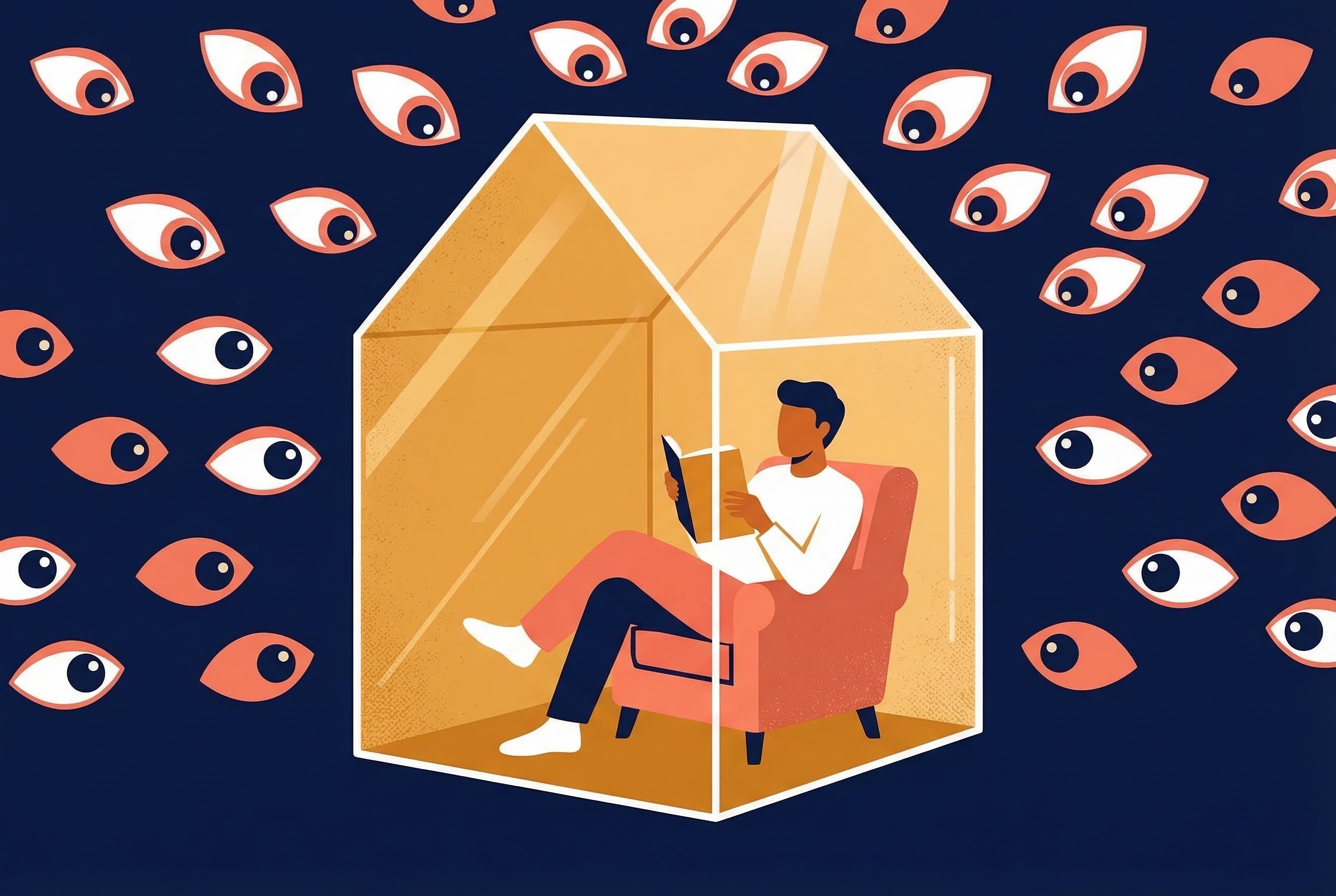
The style most useful for articles, newsletters, and presentations. Bold, flat, graphic. The image above was generated with this prompt:
An editorial illustration for a business magazine article about data privacy.
A person sits inside a transparent glass house, comfortable and unaware,
while dozens of eyes peer in from outside. Bold flat colors: deep navy
background, warm amber for the house's glow, white and coral accents.
Clean vector-style illustration. No text.
Name the publication type: "for a tech magazine," "for a New Yorker-style editorial." Specify "no text" if you want a clean illustration without unwanted labels.
Character Consistency Across Images
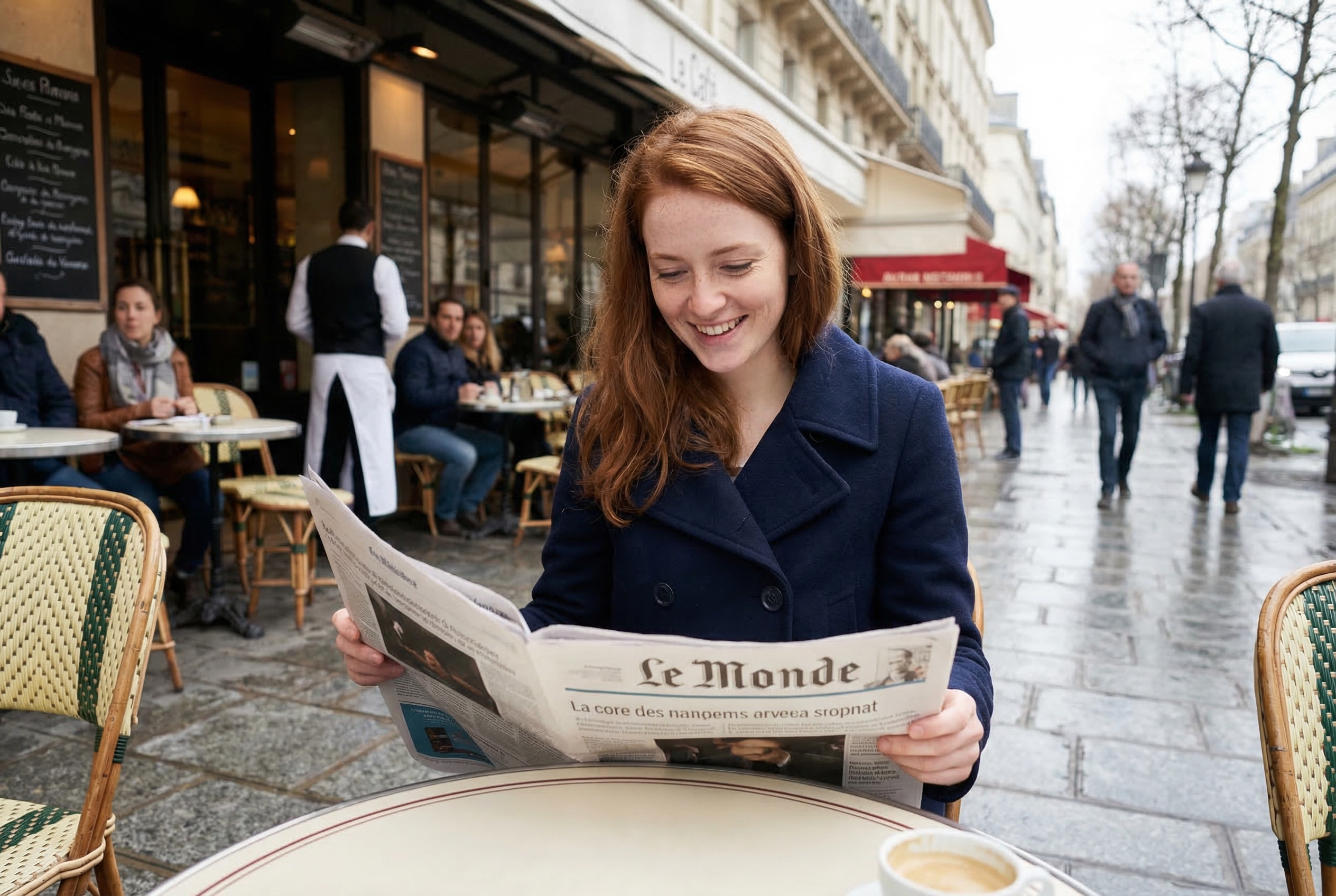
Maintaining the same character across multiple images has always been the hardest problem in AI image generation. Nano Banana handles it through reference images and explicit instructions.
The process: generate or upload a clear reference image, then in subsequent prompts reference it and instruct "keep the person's facial features exactly the same." Only describe what changes, like pose, setting, and clothing.
Same character from the reference image, now sitting at an outdoor cafe
in Paris, wearing a navy blue peacoat, reading a newspaper. Maintain exact
facial features and hair from the reference. Morning light, slightly
overcast. Shot from across the table, candid style.
Give your character a name in the conversation: "This is Elena. Keep Elena's appearance consistent." Nano Banana Pro supports up to 14 reference images, six with high fidelity. This works for products and objects too, not just people.
The Prompt Formula
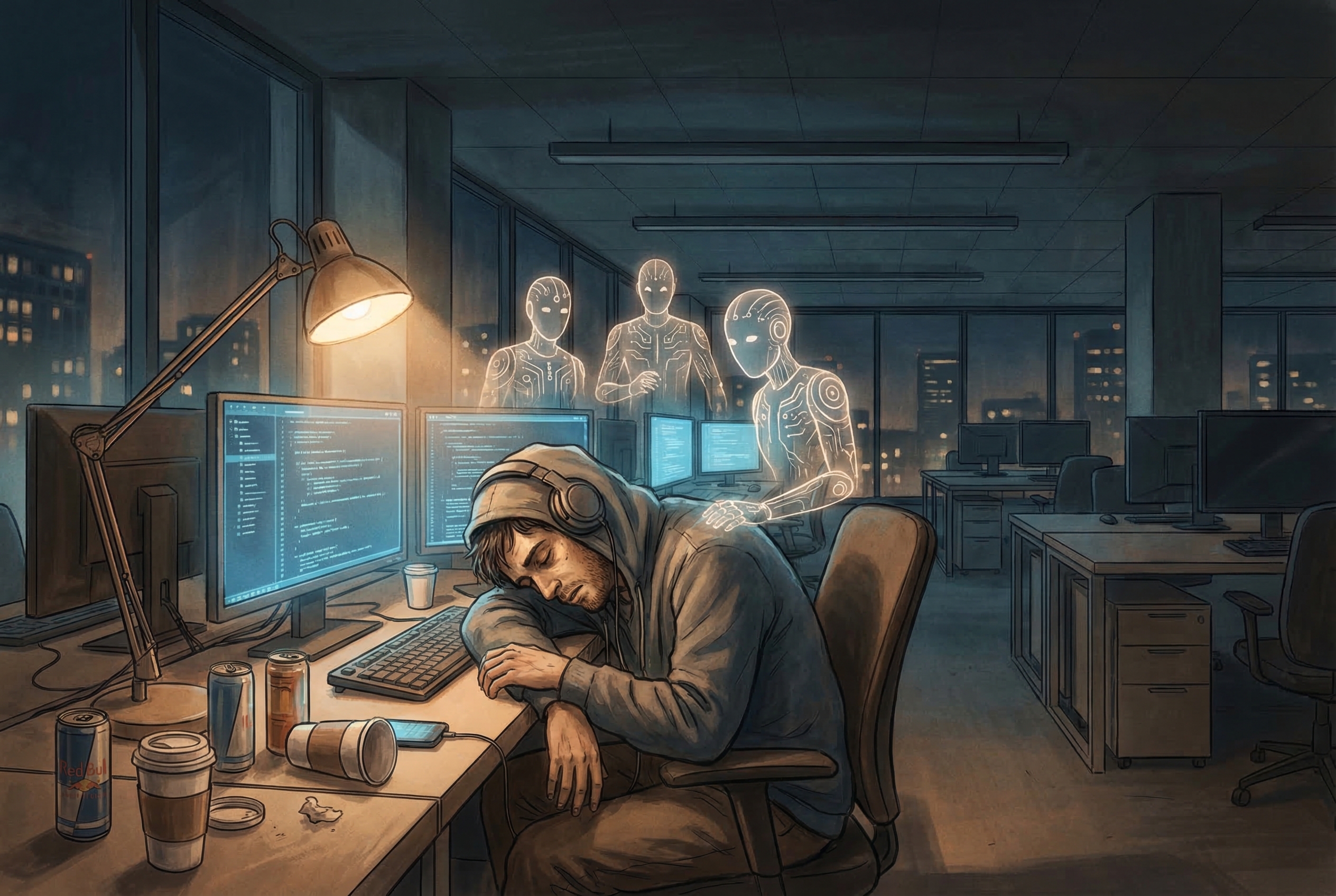
When in doubt, use this structure:
[Style/Medium] of [Subject with adjectives] doing [Action] in [Setting].
[Composition/Camera angle]. [Lighting/Atmosphere]. [Context/Purpose].
The image above was generated using this formula. Here's the prompt:
Editorial illustration of a tired software engineer surrounded by floating
AI agents, slumped at a desk covered in coffee cups, in a modern open-plan
office at midnight. Wide shot showing the empty office around them, monitors
glowing blue. Warm but melancholic atmosphere. For a technology magazine
article about developer burnout.
This formula won't produce your best work every time, but it consistently produces good work. And good is the starting point for great.
Running It
If you're using Nano Banana through the Gemini API, the process is straightforward:
python3 generate.py "your prompt here" -o output.png --ratio 3:2 --size 2K
For batch generation when you want to explore variations:
python3 batch_generate.py "your prompt" -n 10 -d ./variations -p concept
The API is free at reasonable volumes through Google AI Studio. For production use, standard Gemini API pricing applies.
Quick Reference
| Want | Include in prompt |
|---|---|
| Readable text | Exact words in "double quotes" |
| Specific style | Name it: "watercolor," "3D render," "pixel art" |
| Photorealism | Camera settings: lens, f-stop, lighting type |
| Consistent characters | Upload reference, say "keep exact facial features" |
| Better composition | Describe camera angle and framing |
| Text-free images | Add "no text anywhere in the image" |
| Higher resolution | Request "2K" or "4K" explicitly |
| Specific purpose | State what it's for: "for a cookbook," "for a pitch deck" |
| Layout control | Upload a sketch as structural guide |
Start with simple prompts and add complexity one element at a time. The model is good at inferring what you want from minimal input, but it gets dramatically better when you're specific about what you actually need.
Write your next prompt as a short scene description: specify who/what, where, what’s happening, and how it’s framed, then add a clear style if you don’t want photorealism. Start simple to lock in composition, then iterate with small edits like adjusting lighting, removing objects, or correcting wording rather than re-rolling. If you need text in the image, put the exact phrase in quotation marks and keep it brief for the cleanest results.