- In 2026, the question isn’t which AI coding tool to use—developers increasingly run multiple tools at once because each excels at a different layer of work.
- AI coding tools have become mainstream, with 76% of developers using or planning to use them this year.
- GitHub Copilot remains the default for fast, context-aware autocomplete across many editors and day-to-day line-by-line coding.
- Cursor differentiates by being an AI-native IDE optimized for in-place rewrites, refactors, and focused single- to multi-file editing workflows.
- Claude Code stands out as a terminal-based autonomous agent for multi-file tasks, planning and executing changes across a codebase, with strong adoption among AI-first developers.
The AI Coding Tools Landscape in 2026: Nobody Picks Just One Anymore

The question used to be "which AI coding tool should I use?" That question is dead. In 2026, the average developer runs 2.3 AI coding tools simultaneously. Not because they're indecisive, but because each tool genuinely does something different, and the smart move is stacking them.
Stack Overflow's latest survey puts it at 76% of developers either using or planning to use AI coding tools this year. That's not early adoption anymore. That's the new baseline.
The Big Three and What They Actually Do
Three tools dominate the conversation: GitHub Copilot, Cursor, and Claude Code. Each carved out territory that the others haven't been able to take.
Copilot remains the broadest tool. It's everywhere, integrated into VS Code, JetBrains, Neovim, and practically anything with a text cursor. Its autocomplete is fast and contextually aware. For line-by-line code generation, the kind where you start typing a function and the AI finishes your thought, Copilot is still the default. It's the tool most developers tried first, and many never stopped using it.
Cursor took a different approach. Instead of bolting AI onto an existing editor, they rebuilt the editor around AI. The result is an IDE where in-file editing feels native. You highlight a block of code, describe what you want changed, and Cursor rewrites it in place. For refactoring, fixing bugs in a single file, or iterating on a component, Cursor's inline editing is hard to beat. It also gained serious traction with its composer feature for multi-file edits, though that's where competition gets fierce.
Claude Code went somewhere else entirely. It's a terminal-based agent that operates across your entire codebase autonomously. You describe a task, sometimes a complex one spanning multiple files, and Claude Code plans and executes it. Among AI-first developers, adoption jumped to 53% this year. The reason is simple: for multi-file autonomous work, nothing else comes close. It reads your project structure, understands dependencies, runs tests, and commits code.
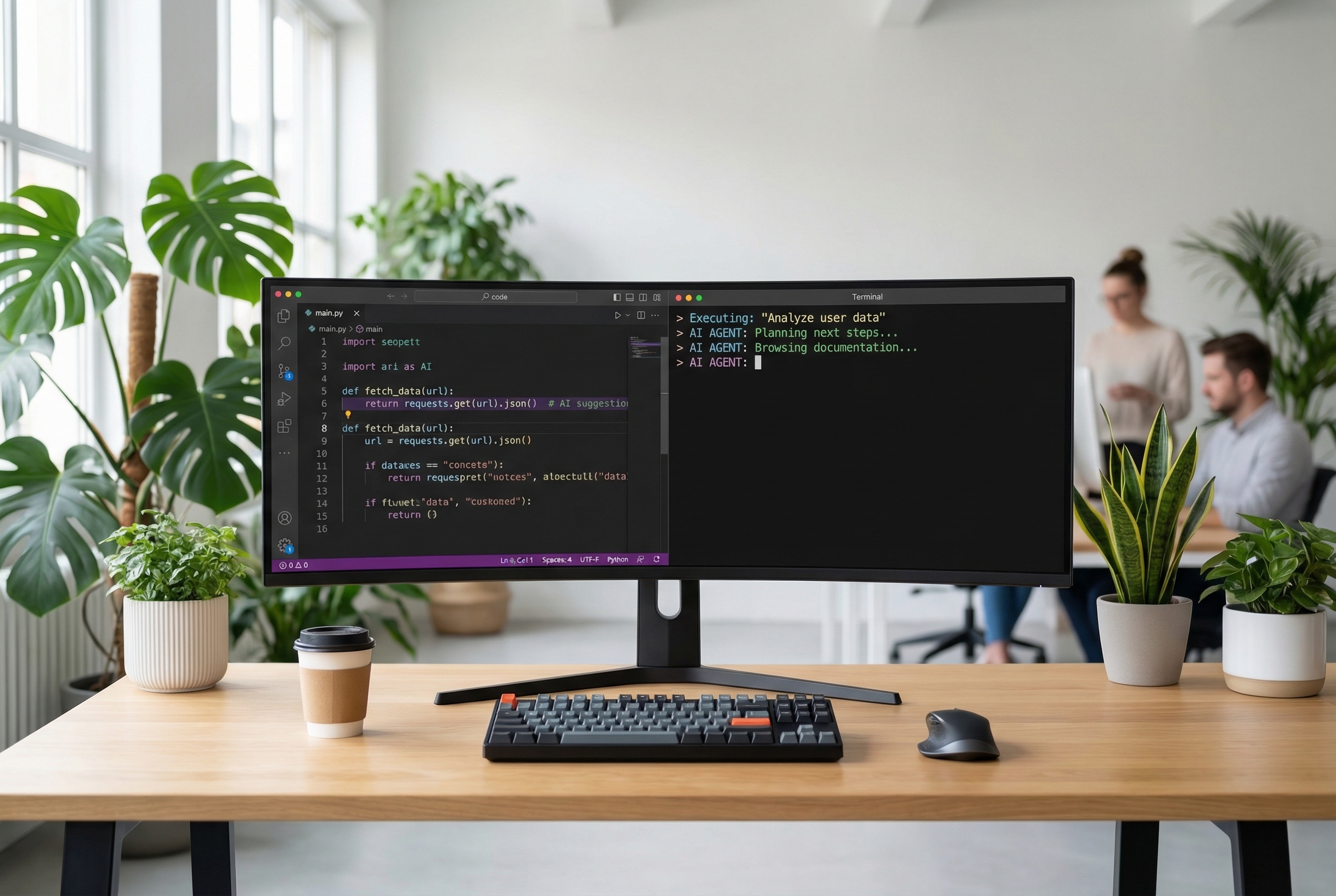
The Tool Stack Concept
Here's what changed in 2026: developers stopped treating these as competing products and started treating them as layers.
A typical stack looks something like this. Copilot handles autocomplete as you type, running in the background like a spell checker for code. Cursor handles focused editing sessions where you're reshaping existing code. Claude Code handles the bigger jobs, implementing a feature across multiple files, writing test suites, or refactoring an entire module.
This isn't theoretical. Talk to any developer shipping production code with AI assistance and they'll describe some version of this layered approach. The tools don't conflict because they operate at different scales. Autocomplete is microseconds. Inline editing is seconds. Autonomous task completion is minutes.
The Rest of the Field
Copilot, Cursor, and Claude Code get the headlines, but they're not alone.
Windsurf (formerly Codeium) found its niche with teams that want AI coding assistance but need enterprise controls. Their focus on workspace-level context and team-aware suggestions makes them popular in larger organizations where "just use Claude Code" isn't an option due to compliance requirements.
Cody by Sourcegraph plays a different game entirely. It connects to your entire codebase graph, your repositories, documentation, and code review history. For developers working on massive monorepos or navigating unfamiliar codebases, Cody's deep contextual understanding is genuinely useful.
Amazon Q Developer (the artist formerly known as CodeWhisperer) carved out territory in AWS-heavy shops. If your stack is Lambda functions, DynamoDB tables, and CloudFormation templates, Q Developer understands that ecosystem better than general-purpose tools.
Each of these fills a gap. None of them is trying to be everything. That's the pattern of 2026: specialization over generalization.
What the Numbers Actually Mean
The 76% adoption figure from Stack Overflow deserves context. Using AI coding tools in 2026 is roughly where using Stack Overflow itself was in 2015. It's not a competitive advantage anymore, it's table stakes. The advantage comes from using them well.
The 2.3 tools average is more interesting. It means most developers found that one tool leaves gaps. And the 53% Claude Code adoption among AI-first developers suggests that autonomous, multi-file work is where the frontier moved. Autocomplete was 2023's breakthrough. Inline editing was 2024's. Autonomous task completion is where 2026 draws the line.
Picking Your Stack
If you're just getting started, Copilot is the safest entry point. It's low-friction, works in your existing editor, and the autocomplete alone will change how you write code.
If you're already using Copilot and want more, add Cursor for editing sessions. The two complement each other well. Copilot suggests as you type, Cursor transforms what's already written.
If you're ready for autonomous workflows, Claude Code is where the ceiling is highest. The learning curve is steeper because you're not just accepting suggestions, you're delegating tasks. But the productivity jump for multi-file work is substantial. Developers who use Claude Code for autonomous task completion consistently report it handles work that would take hours in minutes.
The meta-lesson: don't pick a tool. Pick a stack. Figure out which scale of work each tool handles best and let them coexist.
Where This Goes Next
The tool boundaries are already blurring. Cursor added more autonomous features. Claude Code improved its inline suggestions. Copilot expanded into multi-file territory. By 2027, the categories might collapse entirely.
But right now, in March 2026, the landscape is clear enough to navigate. The tools are good, the adoption is mainstream, and the developers who thrive are the ones who stopped asking "which one?" and started asking "which ones, and for what?"
That's the only question worth asking.
Marco Kotrotsos writes about practical AI implementation at gloss.run and acdigest.substack.com.
Treat AI coding tools as a stack rather than a single choice: keep Copilot (or similar) for constant autocomplete, use Cursor when you’re actively reshaping existing code, and reach for an agent like Claude Code when the work spans multiple files and needs planning, tests, and execution. If you’re in an enterprise or specialized environment, evaluate alternatives like Windsurf for compliance controls, Cody for huge codebases, or Amazon Q Developer for AWS-centric work. The key is matching the tool to the scale of the task so you get speed without losing control.